

How does a smart smart socket connect to a home network?
Leave a message

In the era of the Internet of Things (IoT), smart sockets have become an essential part of modern smart homes. As a leading smart socket supplier, I am often asked about how these intelligent devices connect to a home network. In this blog post, I will delve into the technical details of this process, providing a comprehensive guide for both consumers and industry professionals.
Understanding the Basics of Smart Sockets
Before we explore the connection process, let's first understand what a smart socket is. A smart socket is a device that can be controlled remotely via a smartphone app or a voice assistant. It allows users to turn on or off electrical appliances, monitor energy consumption, and set schedules, all from the convenience of their mobile devices.
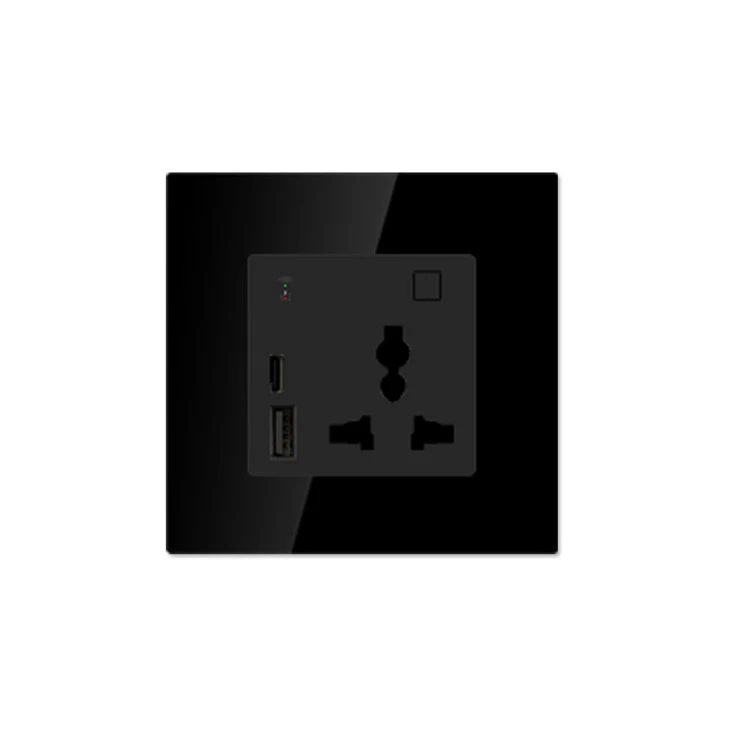
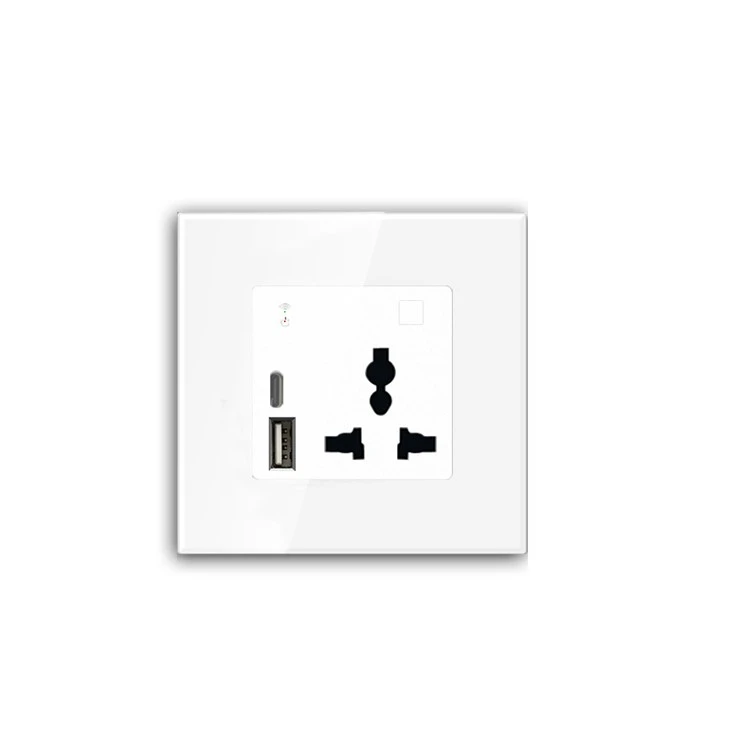
Our company offers a wide range of smart sockets, including the Charging wall socket and the USA Standard Socket. These products are designed to be compatible with various home networks and provide a seamless user experience.
Connectivity Technologies
Smart sockets use different connectivity technologies to connect to a home network. The most common ones are Wi-Fi, Bluetooth, and Zigbee.
Wi-Fi
Wi-Fi is the most popular connectivity option for smart sockets. It allows the socket to connect directly to the home Wi-Fi network, providing a stable and high-speed connection. To connect a Wi-Fi smart socket to your home network, you need to follow these steps:
- Power on the Socket: Plug the smart socket into a power outlet and wait for it to boot up. Usually, the socket will indicate its status through LED lights.
- Download the App: Download the corresponding smartphone app from the App Store or Google Play. The app is essential for configuring the socket and controlling it remotely.
- Configure the App: Open the app and create an account if you haven't already. Then, follow the on-screen instructions to add the smart socket to your account.
- Connect to Wi-Fi: In the app, select the Wi-Fi network you want the socket to connect to. Enter the Wi-Fi password when prompted. The socket will then attempt to connect to the network.
- Test the Connection: Once the socket is connected, you can use the app to turn on or off the socket and test its functionality.
The advantage of Wi-Fi connectivity is its wide coverage and high data transfer rate. However, it may consume more power compared to other technologies, and the connection may be affected by interference from other Wi-Fi devices.
Bluetooth
Bluetooth is another common connectivity option for smart sockets. It is mainly used for short-range communication between the socket and a smartphone or a tablet. To connect a Bluetooth smart socket to your device, you need to:
- Power on the Socket: Similar to the Wi-Fi socket, plug the Bluetooth socket into a power outlet.
- Enable Bluetooth on Your Device: Turn on the Bluetooth function on your smartphone or tablet.
- Pair the Devices: Open the app and search for available Bluetooth devices. Select the smart socket from the list and follow the on-screen instructions to pair it with your device.
- Control the Socket: Once paired, you can use the app to control the socket.
Bluetooth has the advantage of low power consumption and easy setup. However, its range is limited, usually within 10 meters. Therefore, it is more suitable for small spaces or for devices that are close to the controller.
Zigbee
Zigbee is a low-power, wireless communication protocol designed for IoT devices. It uses a mesh network topology, which means that multiple Zigbee devices can communicate with each other to extend the network coverage. To connect a Zigbee smart socket to your home network, you need a Zigbee gateway.
- Install the Zigbee Gateway: Connect the Zigbee gateway to your home Wi-Fi network and power it on.
- Power on the Socket: Plug the Zigbee smart socket into a power outlet.
- Add the Socket to the Gateway: Use the corresponding app to add the smart socket to the Zigbee gateway. The gateway will then communicate with the socket and integrate it into the home network.
- Control the Socket: You can use the app to control the socket and manage other Zigbee devices in your home.
Zigbee offers a reliable and energy-efficient connection. It is also suitable for large-scale smart home systems as it can support a large number of devices.
Security Considerations
When connecting smart sockets to your home network, security is a crucial factor to consider. Here are some security tips to ensure the safety of your smart home:
- Use Strong Passwords: Set strong and unique passwords for your Wi-Fi network and the smart socket app. Avoid using common passwords that can be easily guessed.
- Keep the Firmware Updated: Regularly update the firmware of your smart socket to patch any security vulnerabilities.
- Enable Encryption: Make sure your home Wi-Fi network uses WPA2 or WPA3 encryption to protect your data from being intercepted.
- Be Careful with Public Networks: Avoid connecting your smart socket to public Wi-Fi networks, as they may not be secure.
Troubleshooting
Sometimes, you may encounter issues when connecting a smart socket to your home network. Here are some common problems and their solutions:
- Connection Failure: If the socket fails to connect to the network, check the Wi-Fi password, the signal strength, and the network settings. You can also try restarting the socket and the router.
- App Not Working: If the app is not working properly, make sure it is up to date. You can also try uninstalling and reinstalling the app.
- Interference: If you experience interference from other devices, try changing the channel of your Wi-Fi router or moving the smart socket to a different location.
Conclusion
Connecting a smart socket to a home network is a relatively straightforward process, but it requires a basic understanding of the connectivity technologies and the configuration steps. As a smart socket supplier, we are committed to providing high-quality products and excellent customer support. Whether you choose a Wi-Fi, Bluetooth, or Zigbee smart socket, our products are designed to provide a reliable and convenient smart home experience.
If you are interested in purchasing our smart sockets or have any questions about the connection process, please feel free to contact us for further discussion and procurement negotiation. We look forward to serving you and helping you build a smarter home.
References
- "Internet of Things: A Survey on Enabling Technologies, Protocols, and Applications" by Luigi Atzori, Antonio Iera, and Giacomo Morabito.
- "Smart Home Technologies: Concepts, Principles, and Applications" by David A. Clements.


